For artists, designers & creators

AI digital art generator for text, photos and sketches

Describe an idea, start from a photo or draw a rough sketch, and get finished digital art in seconds. Choose the model that fits the style, edit the result with words and upscale it for print.

  • Text to image, image to image and sketch to image.
  • Leading models in one place: Nano Banana PRO, GPT-Image, Qwen, SeeDream, Flux and more.
  • Try the free generator without an account.
Experience

since2019

Building image AI models.

Free generator

Freeno account

Try text to image without signing up.

Upscale

16×max

For prints, posters and covers.

Your data

NoAI training

We don't use your images to train AI models.

From idea to finished artwork

Generate, refine and upscale in one place, without switching apps.

Turn sketches and doodles into digital art

Upload a pencil drawing or a quick doodle, describe what it should become and keep your composition. Characters, scenes, products or logo ideas: the sketch sets the layout, the prompt sets the style.

  • Keeps your lines and composition
  • Any style from watercolor to 3D render
  • Generate again or try another model
Open AI Drawing to Image

Text to image with the model that fits your style

Write a prompt or start from a preset and generate images with leading models. Use simple settings to get going, or AI Generator PRO for size, model and reference images.

  • Presets for popular styles
  • Model choice for photorealism, illustration or text in images
  • Image to image from your own photo
Open AI Generator PRO

Edit, extend and fix details with words

Change the background, add or remove an object or repaint one area by describing the edit. Extend the canvas to a new aspect ratio for a banner, a phone wallpaper or a book cover.

  • Prompt-based editing of the whole image
  • Inpainting for one brushed area
  • Uncrop to a new aspect ratio
Edit an image with a prompt

Upscale AI art for print and large screens

Generated images are often too small for a poster or a print shop. Upscale them up to 16× with detail added by AI, or straight to a print size at 150 or 300 DPI.

  • 2× to 16× or a target size
  • Print size and DPI
  • Optional generative upscaling for extra detail
Upscale your art
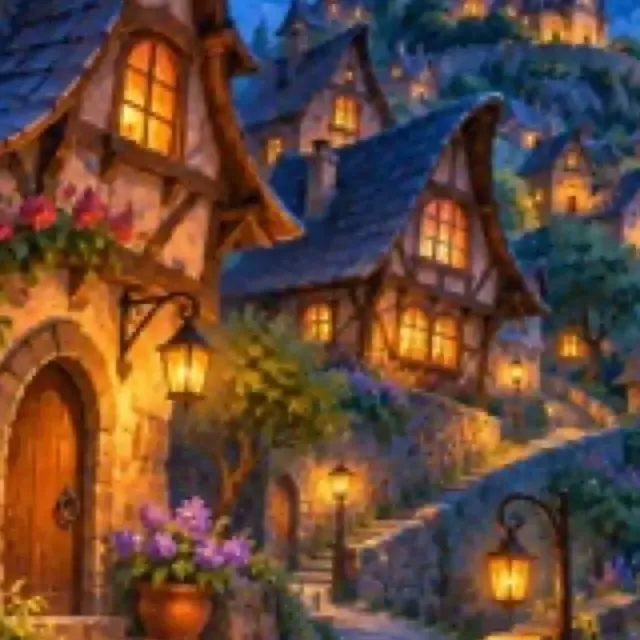
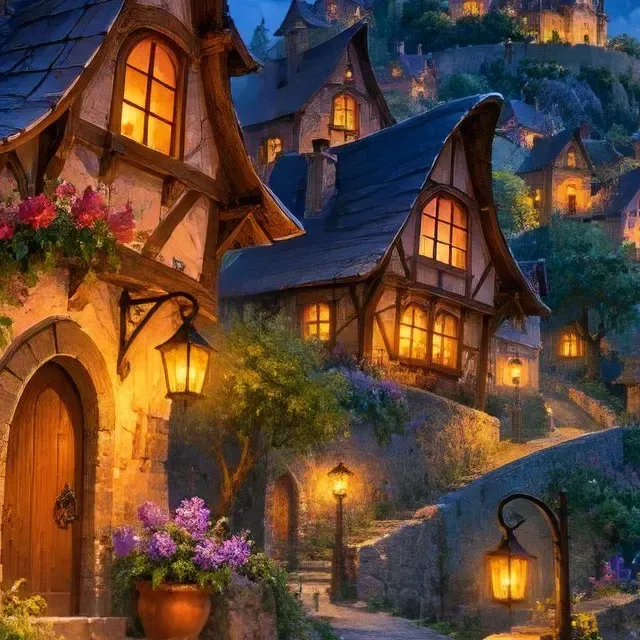
BeforeAfterClose-up of a small fantasy village illustration, enlarged without AI: blurry with compression blocksThe same close-up after a 4× AI upscale: crisp windows, lanterns and flowers
Real result · 320 px artwork upscaled 4×, close-up

Create digital art in three steps

No design software and no prompt engineering course needed.

  1. Start from a prompt, a photo or a sketch

    Type what you want to see, upload a photo to transform or draw a rough sketch.

  2. Pick a model and a style

    Try a preset or another model until the result matches your idea, then refine it with an edit.

  3. Upscale and download

    Upscale for print or a large screen and download the finished image.

Tools for digital art

Pay per image, start for free

From $0.04 / €0.04 per image

10 free credits when you sign up. Then credits from a subscription or a one-time package. We don't use your images to train AI models.

See full pricing

Large volumes or your own integration?

Automate the whole workflow with the REST API, or talk to us about volume pricing, a test on your own images and a workflow we set up for you.

Frequently asked questions

What is an AI digital art generator?

It is a tool that creates images from a text description, a photo or a sketch using generative AI models. You describe the subject and style, and the model paints the image; you can then edit, extend and upscale it.

Can I generate digital art for free?

Yes. The free AI image generator works without an account. A free account adds 10 credits for the other tools and models, such as sketch to image, prompt editing and upscaling.

Can AI turn my sketch into digital art?

Yes. Upload the sketch to AI Drawing to Image, describe what it should become and the model keeps your composition while adding color, light and detail. Clear outlines give the most faithful results.

Which AI models can I use?

Several leading image models, including Nano Banana PRO, GPT-Image, Qwen, SeeDream and Flux. Each has strengths, such as photorealism, illustration or text in images, so trying another model is often the fastest way to the look you want.

How do I make AI art big enough to print?

Upscale it. The Upscale tool enlarges images up to 16× and can target a print size at 150 or 300 DPI, adding detail instead of stretching pixels.

Can I use the images commercially?

Check the terms of service for the model and plan you use, and make sure your prompt and any uploaded images do not copy someone else's protected work, brand or likeness.

Do you use my images and prompts to train AI models?

No. We don't use your images to train AI models.

Ready to create your next artwork?

Generate your first image for free, or build image generation into your own app with our API.