Product photos
Change backgrounds, add props and create seasonal scenes for product listings and ads. For complete product scenes, try the AI Background Generator.
Edit photos using simple AI text prompts. Change backgrounds, colors, lighting and styles, combine up to 3 images and refine the result step by step. Try it free without signing up.
3 free edits a day · No sign-up required
With the Deep-Image AI Image Editor, you don't need layers, masks or advanced editing skills. Upload a photo and describe what you want to change: "make it look like golden hour", "change the jacket to red" or "put the product on a marble table". The AI edits the image based on your instructions. You can refine the result with another prompt, one step at a time.
“Turn this photo into a watercolor painting”
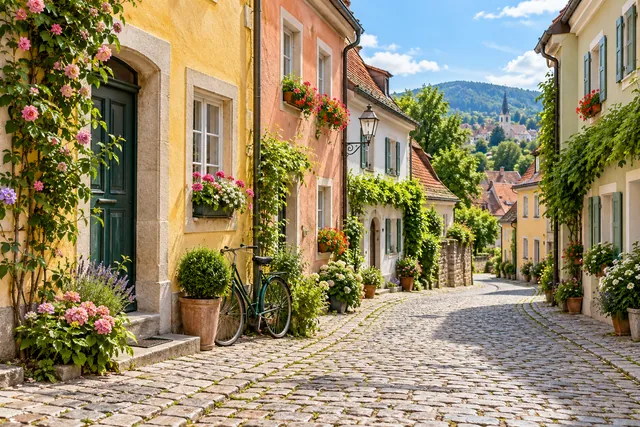
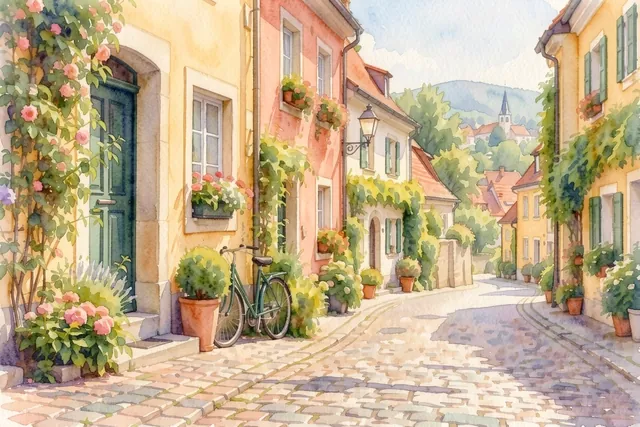 BeforeAfter
Change backgrounds, add props and create seasonal scenes for product listings and ads. For complete product scenes, try the AI Background Generator.
Create visual variations for campaigns, posts and promotional materials.
Change the mood, weather, season or style of your own photos.
Preview new wall colors, furniture and decor. To furnish empty rooms, use Virtual Staging.
Explore visual ideas, packaging and product variations.
Remove or replace objects. For precise edits in one area, try Inpainting.
Ready-made prompts for the most common edits. Copy one, adjust it to your photo, or click Try this prompt to put it in the editor.

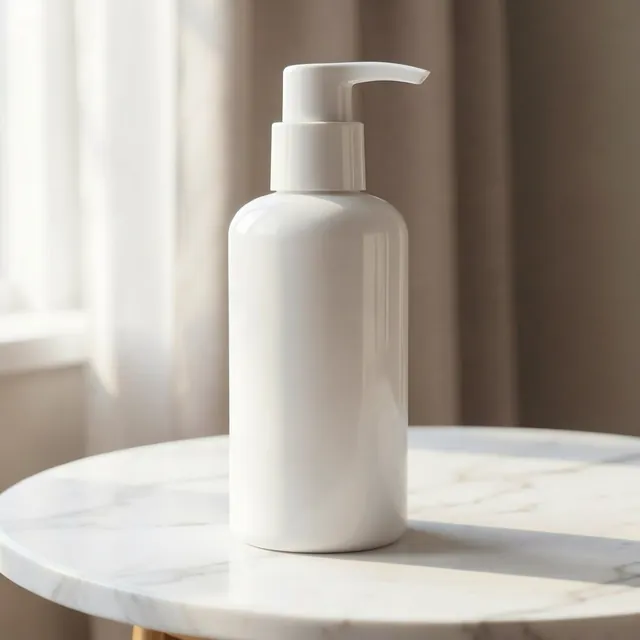
“Put the product on a marble table with soft daylight”
Model: Flux 2 Klein 9B
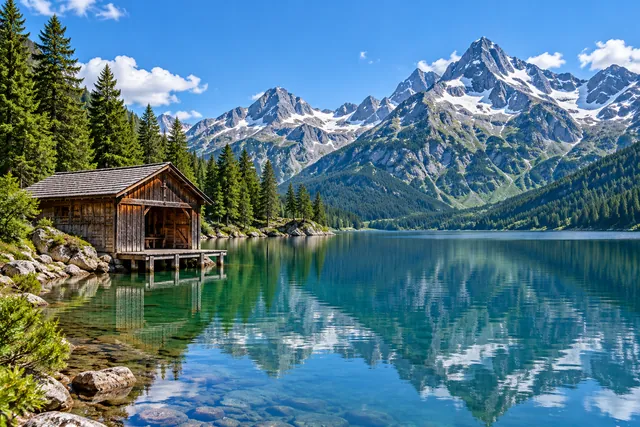
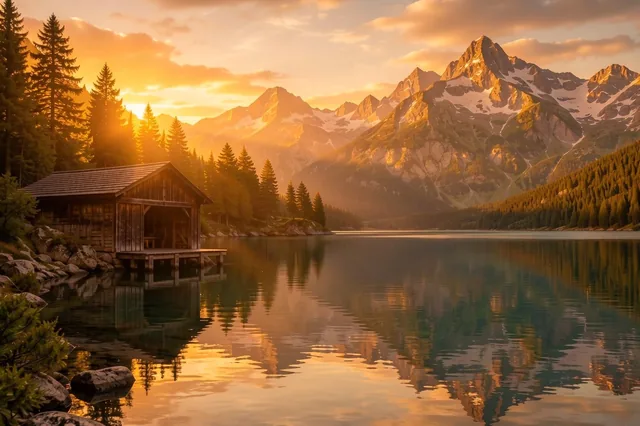
“Make it look like golden hour”
Model: Flux 2 Klein 9B
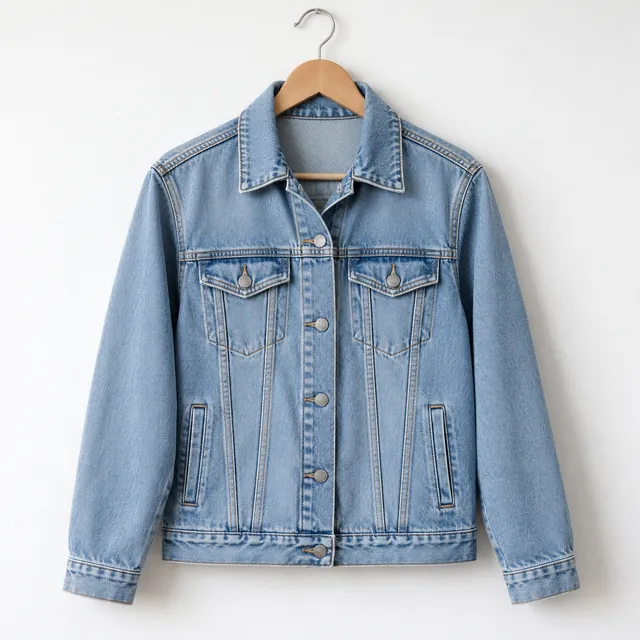
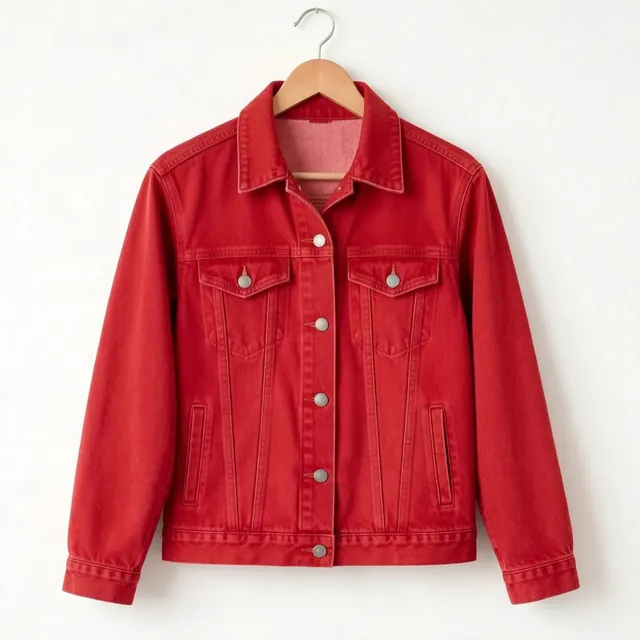
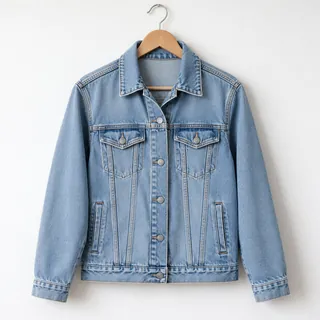
“Change the jacket to red”
Model: Flux 2 Klein 9B
“Turn this photo into a watercolor painting”
Model: Flux 2 Klein 9B
Replace the background with a modern white studio
Put the product on a marble table with soft daylight
Change the background to a snowy mountain landscape
Make it look like golden hour
Turn day into night with city lights
Add soft morning fog
Change the car color to matte black
Change the jacket to red
Add flowers to the balcony
Turn this photo into a watercolor painting
Make it look like a vintage film photo
Turn it into a pencil sketch
Add water droplets to the bottle
Place the shoes on a running track
Add a festive Christmas setting
Furnish this empty room in Scandinavian style
Paint the walls light green
Choose an example, adjust the prompt to your image and click Generate.
Add one image, or up to 3 images to edit or combine.
Write what you want to change. A short, specific prompt usually works best.
Click Generate, review the result and edit it again with another prompt or compare available AI models. Download your image when you're happy with it.
Be specific. "Change the sofa to a dark green velvet sofa" gives the AI more direction than "make the sofa nicer".
Say what should stay the same. Try "Change the background to a beach, but keep the person and their clothing unchanged". Results may still vary.
Work step by step. For complex changes, make one edit, review the result and continue with another prompt.
Describe style and light. Phrases such as "soft daylight", "studio lighting" and "cinematic" help define the mood.
Refer to multiple images clearly. For example: "Put the product from the second image on the table in the first image".
Upload up to 3 images and describe how the AI should use them. Place a product in a new scene, use another image as a style reference or add an object from one photo to another. This can help create product mockups, mood boards and creative variations without manual cut-outs.
“Place the white pump bottle from the first image on the stone doorstep of the yellow house in the second image”
 1
1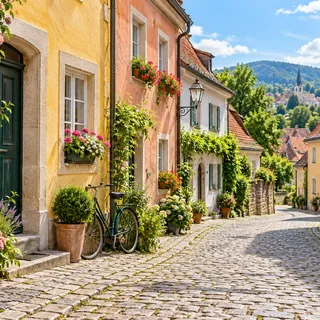 2
2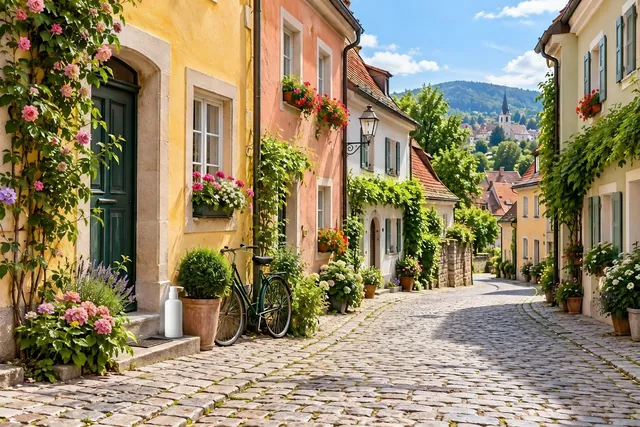 After
AfterAI models interpret prompts differently. Some focus on preserving the original photo, while others produce more creative changes. Start with the free Flux model, then compare other available models using the same photo and prompt to find the result you prefer.
After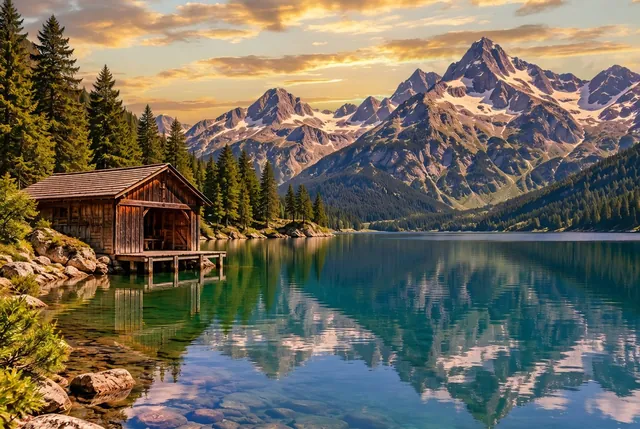 After
AfterSame photo, same prompt: “Make it look like golden hour”
Without an account
Edit instantly, no sign-up
Free account
Sign up, no credit card
PRO
Subscription or pay-as-you-go credits
Everyone can download a free Preview (500 px on the long edge). The full-resolution file needs an account.
It's a tool that edits photos based on text instructions. Instead of adjusting layers and brushes, you describe what you want to change and AI generates a new version of your image.
Yes. Without an account, you can make up to 3 edits per day with the free Flux model, see the result with a watermark and download a 500 px preview. A free account allows full-resolution downloads with a watermark, while PRO plans offer watermark-free downloads and access to all models. Model availability for free accounts follows the current app rules.
Upload a photo, describe the change in the prompt field and click Generate. You can edit the result again using a new prompt.
Short, specific instructions are a good starting point. For example, try "Make it look like golden hour" or "Replace the background with a white studio". You can use the prompt examples on this page and adapt them to your own photo.
You can upload up to 3 images and use them together in one edit, such as placing a product from one photo into another scene.
Start with the free Flux model. Other models may interpret your instructions differently or preserve more details from the source image. You can compare models available with your account.
Sometimes. Try including "keep everything else unchanged" in your prompt. If you need to edit only a selected area, use our Inpainting tool.
Yes, for images you own or have the rights to use, in line with our Terms & Conditions.
Photos uploaded without an account are deleted after 24 hours. For registered accounts, files are kept according to the applicable plan and our Privacy Policy.
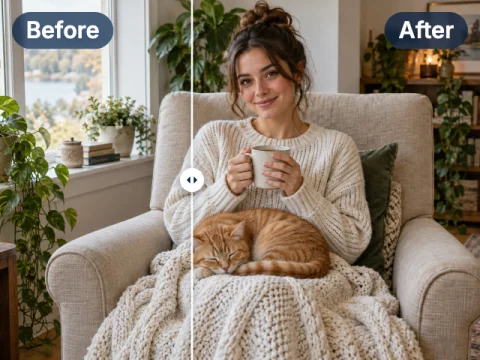
Select one area of a photo and change only that part with a prompt.
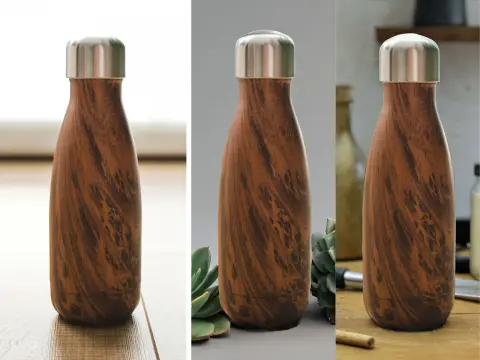
Turn a product photo into a styled scene for your shop or ads.
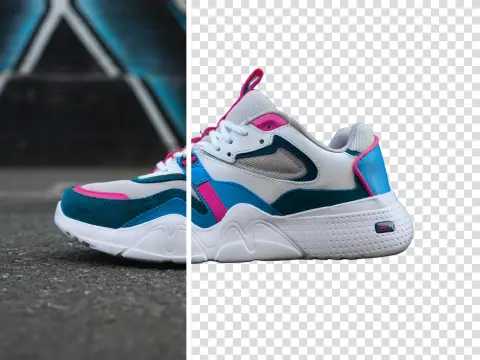
Cut out the subject in one click and get a transparent PNG.
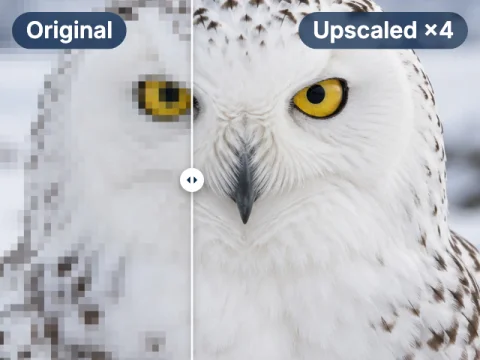
Enlarge your edited image for print without losing sharpness.
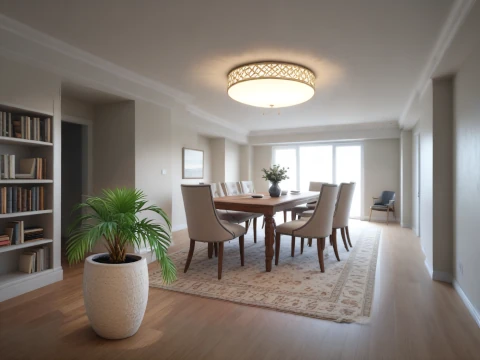
Furnish empty rooms in listing photos with AI.
Create a brand-new image from a text description.
Make your first edit free
3 free edits a day, no sign-up. More models and full resolution with a free account, or go PRO from $7.50 with no watermark.